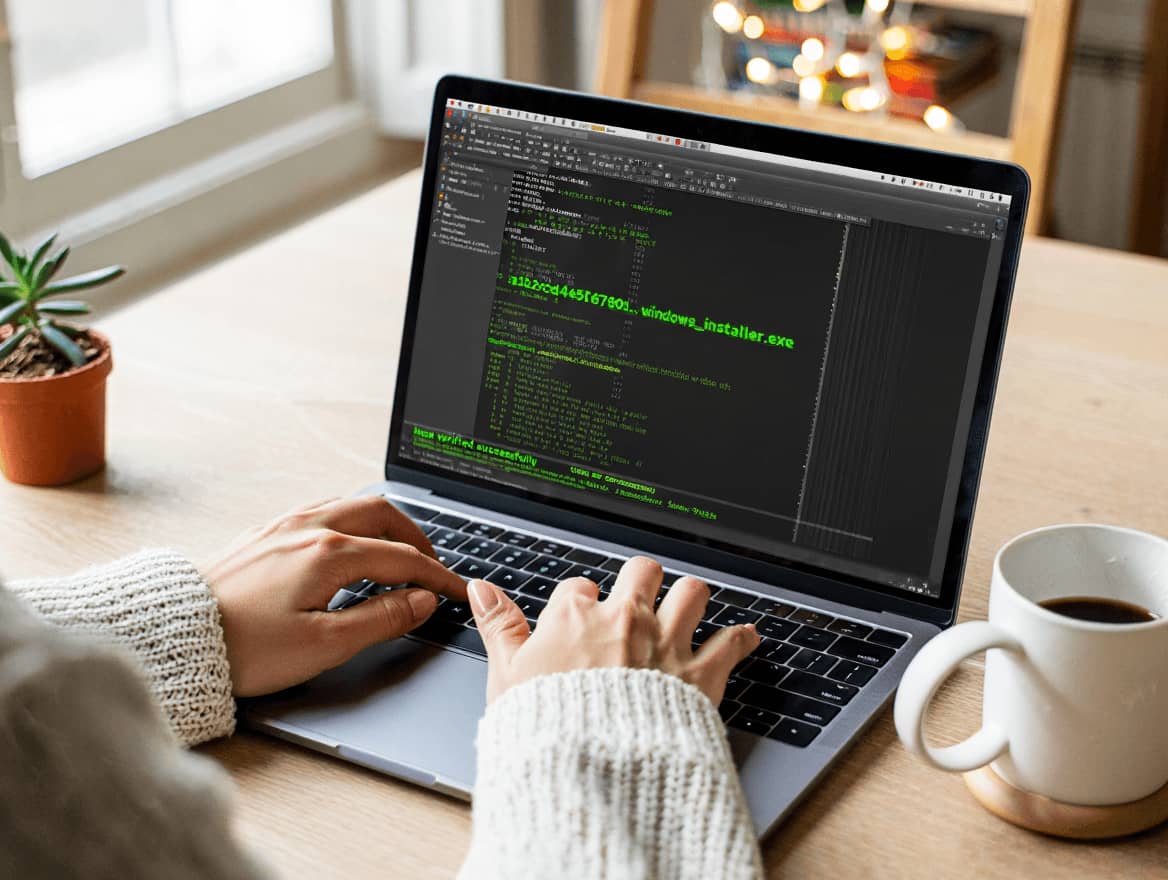
An MD5 checksum is a hash value calculated from a file. Its main everyday use is file comparison. If you calculate the MD5 checksum of a file today and again tomorrow, the value should match if the file has not changed. If one byte changes, the checksum should change. That makes checksums useful for downloads, archives, backups, and transfer checks.
This use is different from password security. A checksum helps answer a narrow question: does this file match the expected file? It does not prove that the file is safe, trustworthy, or malware-free. It only shows whether the bytes you checked match the bytes represented by the published checksum. That distinction keeps expectations realistic.
The MD5 algorithm was specified in RFC 1321 and produces a 128-bit digest. In checksum workflows, the file is read as input, the digest is calculated, and the resulting hexadecimal string is compared with a known value. If the two strings differ, the file is not the same as the reference file.
Checksum verification is useful after large downloads. Summer is a common time for operating system installs, device updates, game downloads, camera backups, and external-drive cleanup. A corrupted archive can waste time or produce confusing errors later. Running a checksum before installation or long-term storage is a small step that can prevent bigger troubleshooting work.
There are limits. MD5 is no longer recommended for security-sensitive integrity protection because attackers can create collisions under certain conditions. For ordinary accidental corruption checks, MD5 may still appear in legacy systems and older download pages. For new publishing workflows, SHA-256 is a better default because it has a larger output and stronger modern security standing.
A checksum also depends on a trustworthy source for the expected value. If a website is compromised and both the file and checksum are replaced, a matching checksum does not protect you. This is why serious software projects may publish signatures, use HTTPS, and provide hashes through controlled release systems. The checksum is only one part of a safer download process.
When using checksums, compare the full value, not only the first or last few characters. A visual shortcut may catch obvious copy mistakes, but it is not a proper verification method. Copy the official hash, calculate the hash locally, and compare the full output. Many command-line tools can do this quickly, including md5sum on Linux and certutil or Get-FileHash on Windows.
A useful workflow is to keep checksums close to the files they describe. If you store a release archive, save a small text file beside it containing the file name, algorithm, date, and checksum. This makes future verification easier, especially when files move between computers, external drives, and cloud storage. The checksum becomes a reference point, not a memory test.
The best way to think about an MD5 checksum is as a file fingerprint for compatibility and simple integrity checks. It is useful when you encounter it in old documentation or legacy systems. It is not a modern security guarantee. For safer current workflows, learn both MD5 and SHA-256, then choose the stronger option when you control the process. The next guide explains practical verification across Windows, macOS, and Linux.